

Time:2025-11-11
In the era of experience-driven commercial operations, App control has evolved from a convenience tool to a strategic enabler of user-centric smart lighting. Unlike traditional control methods that prioritize technical functionality over user needs, modern App control designs commercial smart lighting around the people who interact with it daily—whether retail associates, factory workers, office employees, or hotel guests. By seamlessly integrating with sensors, controllers, and gateways, it delivers intuitive, personalized lighting experiences while maintaining operational efficiency. This article explores the unique value, innovative features, industry-specific use cases, and best practices of App control for reimagining commercial lighting management.
Commercial spaces thrive when lighting adapts to human behavior, not just operational schedules. Traditional lighting control often forces users to accommodate rigid systems—e.g., an office worker can’t adjust overhead lights without contacting facilities, or a hotel guest struggles with complicated room switches. App control solves this by putting users at the center, delivering three transformative benefits:
- Instant User Empowerment: Let end-users (employees, guests, staff) adjust lighting to their preferences in seconds—no technical training or support tickets needed.
- Behavioral Adaptability: Lighting responds to how users interact with spaces—e.g., a retail associate triggering “stocking mode” with a tap, or a meeting attendee dimming lights for a presentation.
- Experience Differentiation: Create memorable lighting moments that enhance brand perception—e.g., a boutique hotel letting guests customize room ambience via app, or a co-working space offering personalized desk lighting profiles.
For example, a museum uses App control to let curators adjust exhibit lighting from their tablets while leading tours, and gives visitors a simplified app version to view art with optimal brightness—elevating both staff efficiency and guest engagement.
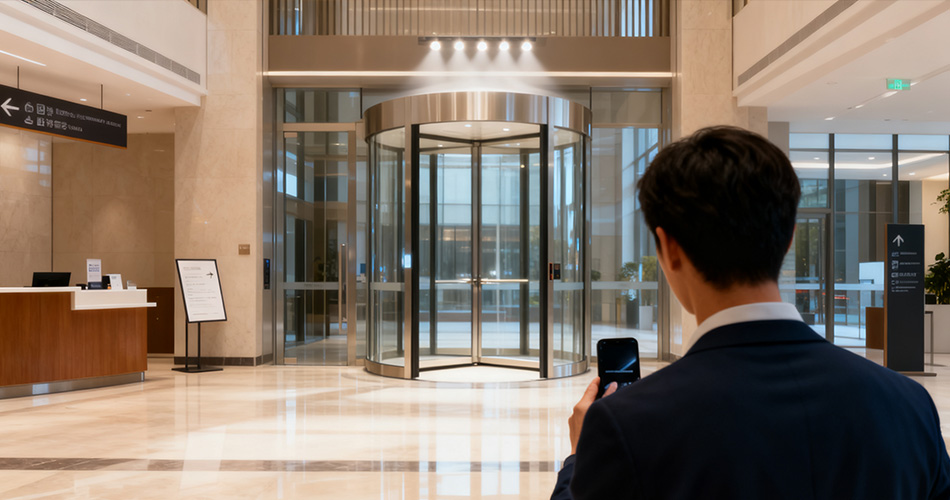
User-centric App control solutions go beyond basic on/off functions, offering features designed for human interaction:
The app uses situational data to suggest or auto-adjust lighting. For instance:
Detects a retail associate’s location via their phone and offers “Nearby Aisle Brighten” options.Recognizes that a conference room app is open during a video call and prompts “Presentation Mode” activation.Learns a hotel guest’s preference for warm lights in the evening and auto-adjusts their room schedule.
For hands-busy scenarios, App control supports voice commands (e.g., “Hey Lighting App, dim warehouse Zone 3”) or gesture controls (e.g., swiping up on the app screen to brighten). This is critical for industrial settings where workers wear gloves, or hospitality staff carrying trays.
The app stores basic controls locally on users’ devices, ensuring functionality even during temporary internet outages. A factory technician can still adjust machine-area lighting via the app if the gateway loses connectivity, preventing workflow disruptions.
For multi-location businesses or collaborative spaces, the app lets users create and share lighting scenes. A retail chain’s store managers can upload successful “Holiday Display” scenes to a shared library, letting other locations adopt and adapt them—fostering consistency and innovation.
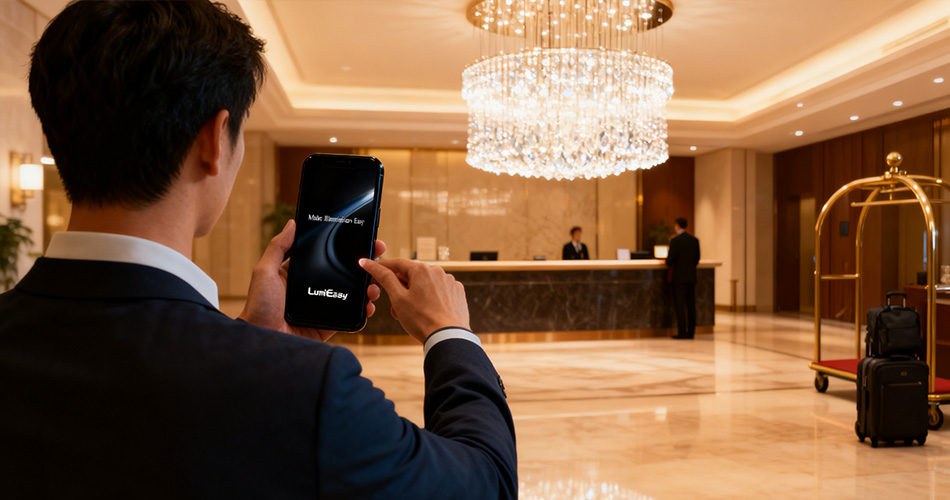
App control adapts to the unique user needs of each commercial sector:
Store associates use App control to activate “Fitting Room Brighten” when a customer enters, or “Checkout Queue Calm” to reduce stress during peak hours. Brands also offer a limited app version to loyalty program members, letting them “favorite” product displays to receive notifications when those areas are highlighted.
Maintenance technicians carry tablets with App control to activate “Work Light Follow” (lighting that tracks their location in large warehouses) or “Emergency Alert Flash” if they encounter hazards. The app also lets workers report faulty lights with a single tap, attaching location data for faster repairs.
Employees use the app to save “My Workspace” profiles (e.g., 70% brightness, cool tone) that auto-activate when they check into their desk via the company’s hybrid work platform. Meeting organizers can pre-set lighting scenes in the app and share them with attendees for consistent setup.
Hotels send a App control link to guests pre-arrival, letting them customize room lighting (e.g., “Morning Wake-Up” with gradual brightening) before check-in. During stays, guests can control lobby and restaurant lighting via the app when hosting events, turning the space into a personalized venue.
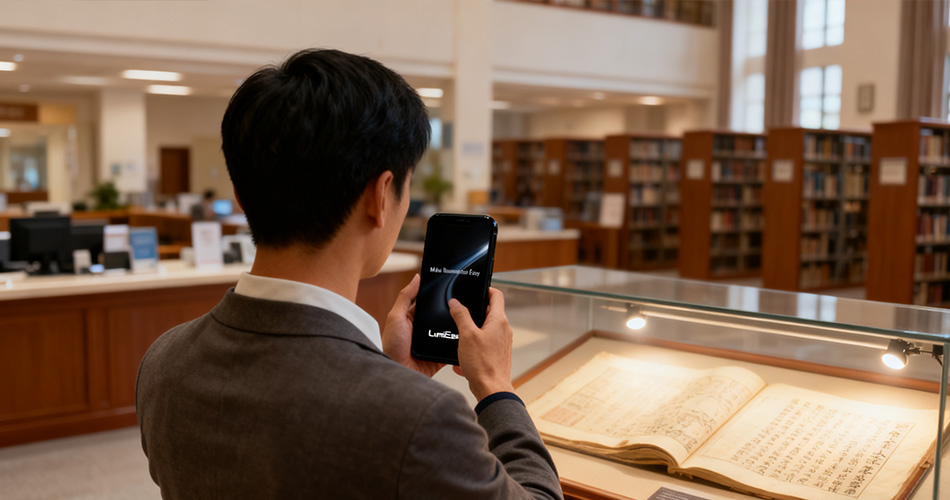
- Prioritize User Testing: Involve frontline staff (e.g., retail associates, hotel housekeepers) in app design to ensure controls match their workflow.
- Offer Tiered Access: Give end-users (e.g., guests, employees) limited controls (brightness, scenes) while reserving admin functions (global schedules) for managers.
- Keep It Simple: Avoid cluttering the app with technical jargon—use icons and plain language (e.g., “Brighten Workspace” instead of “Adjust Luminance Level”).
- Iterate Based on Feedback: Add a “Suggest a Feature” button in the app to collect user input and refine controls over time.
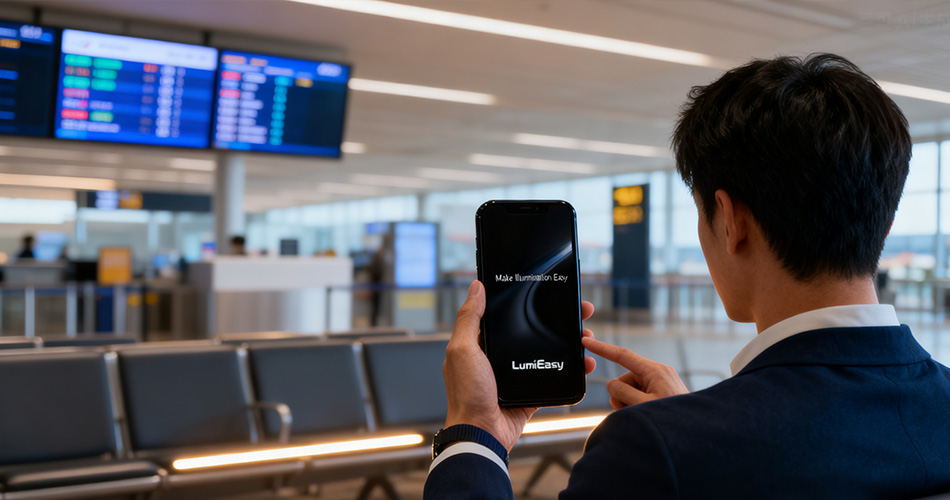
App control is no longer just about managing lights—it’s about creating commercial spaces that adapt to human needs. By focusing on user empowerment, behavioral adaptability, and experience differentiation, it transforms lighting from a background utility to a key driver of operational success and customer satisfaction. When integrated with smart sensors, controllers, and gateways, App control forms a lighting ecosystem that works for people, not against them.
For businesses looking to stand out in a competitive market, prioritizing user-centric App control is a strategic choice. It not only improves daily workflows for staff but also creates memorable experiences for customers and guests—turning commercial lighting into a valuable brand asset.


)
)
)
)

+86 15899791249

+86 755 2955 3313


Address: Huafeng No.1 Science and Technology Park, Sanwei, Bao'an District, Shenzhen, Guangdong, China.
