Why App control is now standard in commercial lighting projects
Traditional lighting control often breaks down in modern commercial buildings for three reasons:
Buildings change constantly
Tenants reconfigure spaces. Offices shift to hybrid schedules. Retail layouts change seasonally. Static circuit-based control can’t keep up.
Operations need visibility and accountability
Building owners increasingly need energy reporting and documentation. A system that can’t produce clear reports becomes hard to justify.
Multiple stakeholders need access (without chaos)
Security staff, facility managers, tenants, and contractors all interact with lighting. Without controlled access, settings drift and performance degrades.
Modern lighting systems address these issues by combining connected devices, gateways, and software. This “software-first” approach is why app-based control is increasingly associated with smart-building upgrades.
What “smart lighting app control” should mean in practice
A truly useful smart lighting app control experience typically includes:
Fast, intuitive App control for daily operations (zones, scenes, overrides)
Secure commissioning tools for installers (pairing, mapping, testing)
Multi user app permissions so each role sees only what they should
Robust lighting schedule app programming for business hours, holidays, and special events
A reliable energy monitoring app dashboard for tracking and optimization
For building teams, the app becomes a practical “control room” for lighting—usable on phones, tablets, or desktops depending on the platform.
Core features buyers should require
1) Multi user app permissions (security + operational discipline)
In commercial buildings, “one shared login” leads to misconfiguration. Strong multi user app permissions should support:
Role-based access (Admin / Facility / Tenant / Installer / Read-only)
Area-based access (tenant manages only their suite; facility manages common areas)
Activity logs (who changed what, and when)
Temporary access for contractors (auto-expire permissions)
Why this matters: permissions prevent “settings drift,” reduce support calls, and keep your lighting performance consistent across months and years.
2) Lighting schedule app programming (the highest ROI quick win)
If you’re only going to configure one feature, configure schedules well.
Effective lighting schedule app programming should allow:
Weekly schedules by zone (lobbies vs offices vs restrooms vs parking)
Holiday calendars and exceptions
Occupancy-aware schedules (after-hours lights default to low or off unless triggered)
Local overrides (so staff aren’t “fighting the automation”)
Scheduling is often the fastest payback because it immediately reduces after-hours waste while maintaining predictable operations.
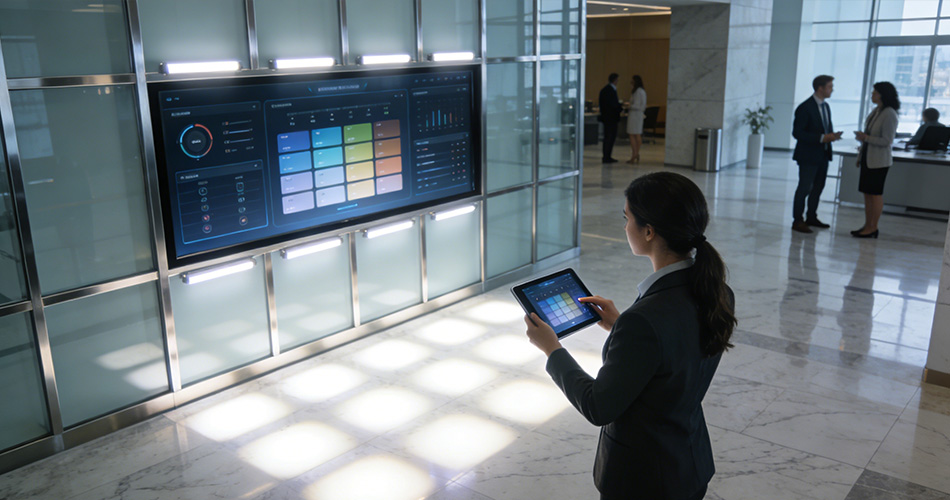
3) Energy monitoring app dashboard (turn data into decisions)
The best systems don’t just display consumption—they help teams act. A strong energy monitoring app dashboard typically includes:
Energy use by building / floor / zone
Runtime analytics (which lights are on too long)
Occupancy and utilization context (why energy is being used)
Alerts for anomalies (unexpected overnight runtime, device offline)
Exportable reports for ESG, audits, or internal KPI reviews
With dashboards and reporting, building managers can prove savings and sustain performance year after year.
4) Commissioning and regrouping without disruption
Commercial buildings rarely have time for downtime. Look for software tools that support:
Digital mapping of fixtures to zones
Easy regrouping (change groups when tenants reconfigure)
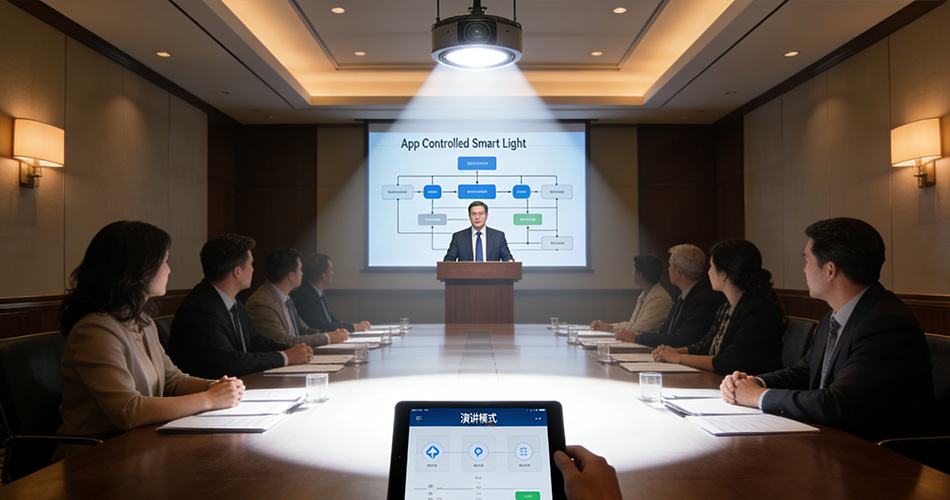
Scene editors (meeting mode, cleaning mode, security mode)
Remote management options
These functions reduce repeated on-site rewiring work and make the system practical for long-term operations.
How app-controlled lighting works (simple architecture)
A typical setup includes:
Connected fixtures or controllers (dimming drivers, relays, sensors)
Local network (wired or wireless)
Gateway/hub (ties zones together and connects to building systems/cloud)
Central software layer (mobile app + web portal)
This architecture allows projects to scale from a single tenant area to full building-wide control, and even to campus-scale management.
Best-fit use cases in commercial buildings
Offices and mixed-use workspaces
Schedule by department/shift
Occupancy-driven control in meeting rooms and shared spaces
App-based scene control for presentations and cleaning
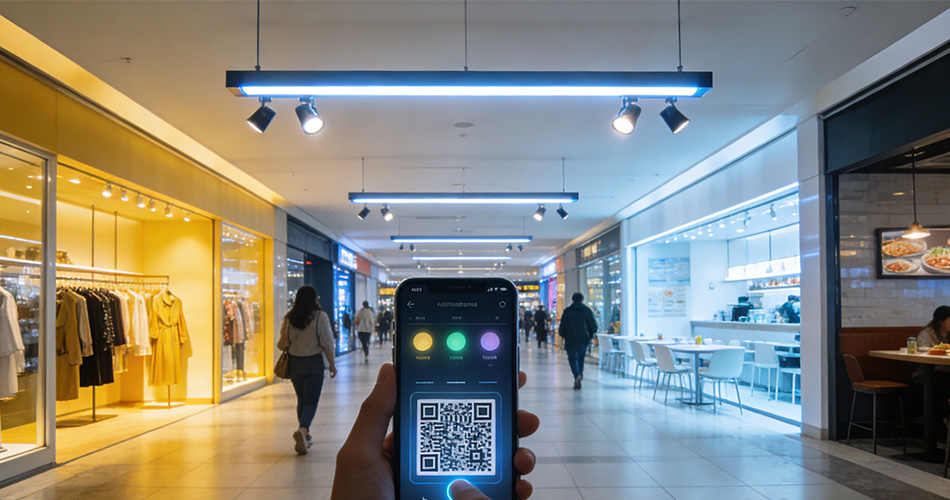
Retail and hospitality
Scene-based lighting for merchandising and daypart changes
Simple override controls for managers
Reporting to validate operating hours and reduce after-hours waste
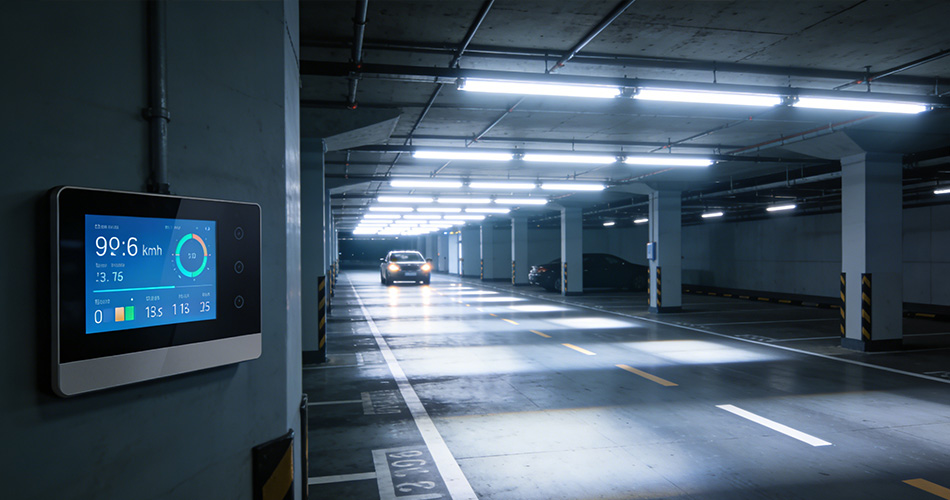
Parking structures and exterior areas
Scheduling + photocell strategies
Security-mode scenes and emergency overrides
Reporting for safety audits and maintenance planning
Campuses (multi-building portfolios)
Central standards across buildings
Consistent permissions and workflows
Portfolio-level energy dashboards and comparisons
Implementation blueprint (fastest path to real results)
Step 1: Define roles and permission structure
Before installing anything, document multi user app permissions:
This prevents confusion and supports long-term operational control.
Step 2: Build schedules around real building behavior
Create baseline lighting schedule app programming:
Step 3: Commission by zone, then verify with data
Commission zone-by-zone and validate results using the energy monitoring app dashboard:
Did runtime drop where expected?
Are overrides causing energy creep?
Are any devices offline or reporting anomalies?
Step 4: Create a “continuous optimization” routine
Treat app control like an operating system:
What to ask suppliers (buyer-ready checklist)
When selecting an app-controlled solution, ask:
Does the system support reliable App control for daily operation and commissioning?
How granular are multi user app permissions (roles + area restrictions + audit logs)?
How flexible is lighting schedule app programming (holidays, exceptions, occupancy-aware behavior)?
What does the energy monitoring app dashboard show, and can it export reports?
Can the system scale from one floor to an entire building or campus?
What happens if the network or cloud is unavailable (local fallback behavior)?
FAQ (SEO-focused)
1) What does “App control” mean for commercial lighting?
App control means operators can manage lighting zones, scenes, schedules, and overrides from a mobile or web interface—enabling faster adjustments and consistent control across a commercial building.
2) What is smart lighting app control used for most often?
Smart lighting app control is most often used for scheduling, zone-based control, scene activation, and simplifying daily operations—especially when building layouts and occupancy patterns change frequently.
3) Why are multi user app permissions important?
Multi user app permissions prevent unauthorized changes, limit access by role or area (tenant vs facility team), and support auditability—improving reliability and reducing long-term maintenance risk.
4) How does lighting schedule app programming reduce energy costs?
With strong lighting schedule app programming, lights follow business hours and occupancy behavior automatically, reducing after-hours runtime and minimizing “lights left on” waste—often the fastest payback feature.
5) What should an energy monitoring app dashboard include?
An energy monitoring app dashboard should show energy and runtime by zone, highlight anomalies, support alerts, and export reports—so building teams can prove savings and keep optimizing over time.
6) Can app-controlled lighting scale to whole-building control?
Yes. With the right architecture (controllers + gateways + software), app-controlled lighting can scale from a single area to full-building management and multi-building portfolios.
Call to Action
If you’re upgrading a commercial property and want consistent App control, secure multi user app permissions, reliable lighting schedule app programming, and a clear energy monitoring app dashboard, the right smart lighting platform can turn lighting from a fixed utility into a measurable operating advantage.
For an accurate proposal, prepare:
Building type and total area (floors / zones / exterior areas)
Fixture types and quantities (dimmable requirements)
Control goals (schedules, occupancy, reporting, tenant access)
IT/security requirements (user roles, password policies, audit logs)
Timeline and retrofit constraints (downtime limits, phased deployment)




)
)
)
)


