

Time:2025-10-14
In today's fast-paced world, ensuring the reliability and efficiency of emergency power systems is crucial. When the unexpected happens, and there's a power outage, emergency powerpacks are the silent heroes that keep essential systems running. But how do we ensure these powerpacks perform as expected when needed most? Enter the world of runtime verification testing. In this article, we'll explore the importance of runtime verification, the tools involved, and the procedures to ensure your emergency powerpack meets duration requirements.
Runtime verification is a method used to check that a system operates correctly during its execution. Unlike traditional testing, which is done before deployment, runtime verification occurs as the system is running. This approach is particularly beneficial for emergency powerpacks, as it allows continuous monitoring and validation of performance in real-time conditions.
The primary goal of runtime verification is to ensure that emergency power systems function correctly under all conditions. This type of verification is crucial because:
Real-World Conditions: It tests the system under actual operating conditions, providing a more accurate assessment of performance.
Immediate Feedback: Problems can be identified and addressed in real-time, minimizing downtime.
Increased Reliability: Continuous monitoring ensures that systems remain reliable over time, reducing the risk of unexpected failures.
To carry out runtime verification effectively, specific tools and technologies are employed. These tools help monitor, analyze, and report on the performance of emergency powerpacks.
Monitoring Software: These tools track various performance metrics of the powerpack, including voltage, current, and temperature.
Data Loggers: Data loggers record the powerpack's performance over time, providing a historical view of its operation.
Diagnostic Tools: These tools perform real-time diagnostics to identify any issues or deviations from expected performance.
Alert Systems: Alerts notify operators of any critical issues, allowing for prompt intervention.
When selecting runtime verification tools, consider the following factors:
Compatibility: Ensure the tools are compatible with your emergency powerpack system.
Ease of Use: User-friendly interfaces make it easier for operators to monitor and interpret data.
Scalability: Choose tools that can grow with your needs, especially if you plan to expand your power systems in the future.
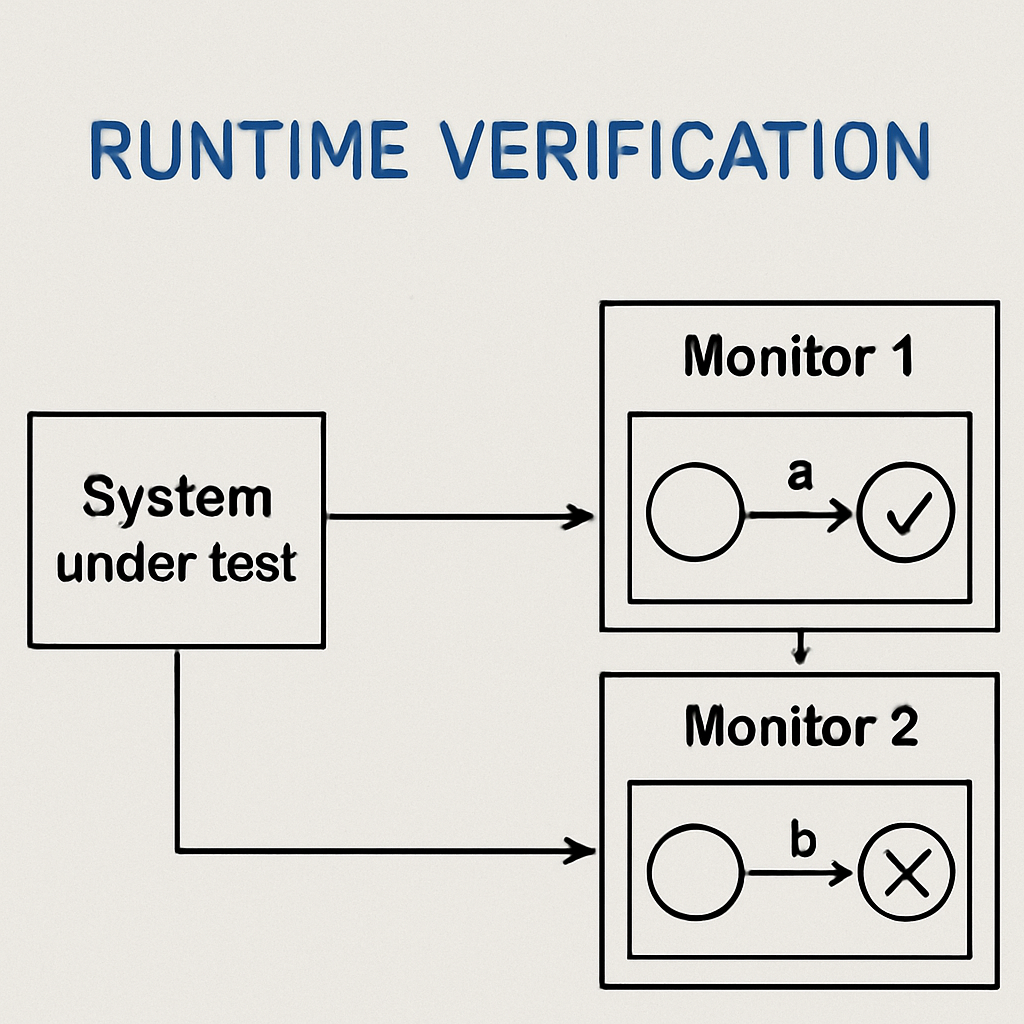
To ensure that your emergency powerpack meets duration requirements, it's essential to follow a structured testing procedure. Here's a step-by-step guide:
Before testing, clearly define the duration requirements for your emergency powerpack. This involves determining the minimum runtime necessary to support critical systems during an outage.
Install and configure the chosen runtime verification tools. Ensure they are properly integrated with your powerpack system and are set up to capture relevant performance data.
Perform an initial test under controlled conditions to establish a baseline for performance. This test helps identify any existing issues and sets a benchmark for future tests.
To accurately assess performance, simulate real-world conditions that the powerpack may encounter. This could include load variations, temperature fluctuations, and other environmental factors.
During the test, continuously monitor the powerpack's performance using the runtime verification tools. Record data on key metrics such as runtime, output power, and system stability.
After the test, analyze the recorded data to determine whether the powerpack meets the defined duration requirements. Look for any deviations or areas for improvement.
If the powerpack does not meet the requirements, identify the necessary improvements. This could involve adjusting system configurations, upgrading components, or optimizing operating procedures.
Once improvements are implemented, retest the powerpack to verify that it now meets the duration requirements. This validation step ensures that any issues have been resolved.
To get the most out of runtime verification, consider the following best practices:
Regular Testing: Conduct runtime verification regularly to ensure ongoing reliability and performance.
Comprehensive Documentation: Keep detailed records of all tests, results, and improvements for future reference.
Continuous Improvement: Use insights from runtime verification to make continuous improvements to your powerpack system.
Training and Support: Provide training for operators to effectively use runtime verification tools and interpret data.
Runtime verification is an essential part of maintaining the reliability and efficiency of emergency powerpacks. By understanding the importance of runtime verification, utilizing the right tools, and following structured testing procedures, you can ensure that your power system is always ready to perform when needed most. Implement these practices to enhance the performance and longevity of your emergency powerpack, providing peace of mind during critical power outages.


)
)
)
)

+86 15899791249

+86 755 2955 3313


Address: Huafeng No.1 Science and Technology Park, Sanwei, Bao'an District, Shenzhen, Guangdong, China.
