

Time:2025-11-10
For commercial smart lighting managers, programming dynamic schedules has long been a technical hurdle—relying on clunky text menus, code snippets, or rigid templates that fail to adapt to shifts, promotions, or real-time data. The lighting schedule visual programming interface solves this by offering an intuitive drag-and-drop tool that transforms how teams design lighting for retail stores, industrial facilities, offices, and hospitality venues. By visualizing timelines, conditional rules, and multi-zone controls in a spreadsheet-like format, it eliminates technical barriers, letting both technical and non-technical staff create sophisticated schedules that integrate with sensors, controllers, and gateways. This article explores its core value, key features, and practical applications.
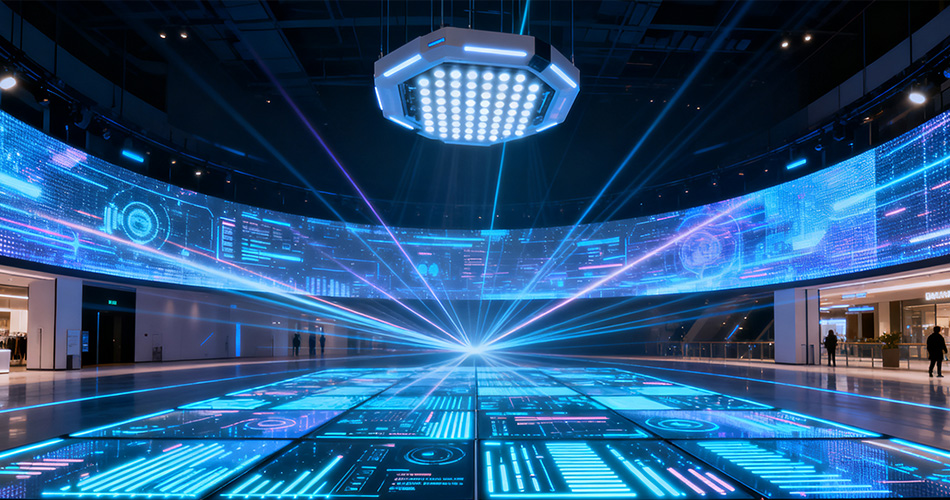
Commercial lighting demands complexity—syncing with shifts, seasonal changes, and sensor data—but traditional tools create friction. Non-technical staff (e.g., store managers) wait for IT to adjust schedules for flash sales; complex “if-then” rules risk misconfiguration; troubleshooting requires sifting through text logs. The lighting schedule visual programming interface addresses these pain points:
Intuitive Operation: Drag-and-drop modules let café managers adjust morning/evening lighting without IT support.Faster Iteration: Real-time previews refine Black Friday schedules in minutes, not hours.Reduced Errors: Color-coded blocks and conflict alerts prevent safety missteps like dimming emergency lights.
A restaurant manager can drag “dinner service” (bright warm tones) and “closing” (dimmed) blocks onto a timeline, set a slider for brightness, and link a rain sensor to dim patio lights—no coding needed.

Enterprise-grade tools balance power and usability with these core features:
The centerpiece is a calendar-like timeline where users drag “on/off/dim” modules. Color-coded blocks (blue for dim, green for on) distinguish actions; resizable time slots (e.g., stretch “peak hours” to 12–3 PM) enable precision. Weekly views let users copy Monday’s schedule to the week, cutting creation time by 70%.
Instead of typing rules, users connect triggers (e.g., “motion detected”) to actions (e.g., “brighten to 80%”) with visual arrows. Sliders set thresholds (e.g., “dim after 15 mins of no occupancy”), and flowcharts flag conflicts—like a “motion off” rule clashing with a “scheduled on” block. A logistics manager can link “dock door open” to floodlights and set a 10-minute off delay post-closure.
For malls or factories, a grid/floor plan view displays zones (e.g., “Retail Wing A,” “Warehouse Dock 3”). Users assign unique schedules to zones, sync groups (e.g., “all common areas” for holidays), and set priorities (emergency lights override regular schedules). This ensures tailored lighting without chaos.
Test schedules by fast-forwarding 24 hours or simulating inputs (e.g., “sunny afternoon” for daylight harvesting). Alerts flag issues like “Zone C overlaps with fire safety rules at 7 PM,” turning guesswork into certainty.
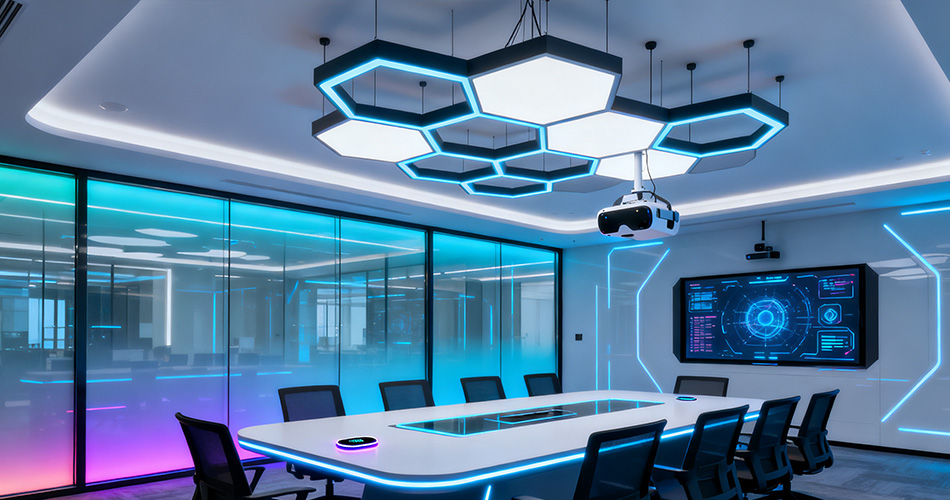
The interface adapts to diverse sectors:
- Retail: A clothing store programs “morning prep” (6–8 AM dim), “peak shopping” (10 AM–8 PM bright), and links foot traffic sensors to boost fitting room lights at 50+ customers.
- Industrial: A car plant creates three shift schedules with color-coded blocks for assembly lines (bright white) and docks (floodlights), ensuring docks stay on 30 mins post-truck departure.
- Offices: A tech firm programs “hybrid days” (bright Mon/Wed/Fri, dim Tue/Thu) and integrates calendars to activate “presentation mode” 10 mins before meetings.
- Hospitality: A hotel builds “guest journey” schedules (warm lobby pre-check-in, dim corridors 11 PM–6 AM) and links weather data to brighten patio lights below 15°C.
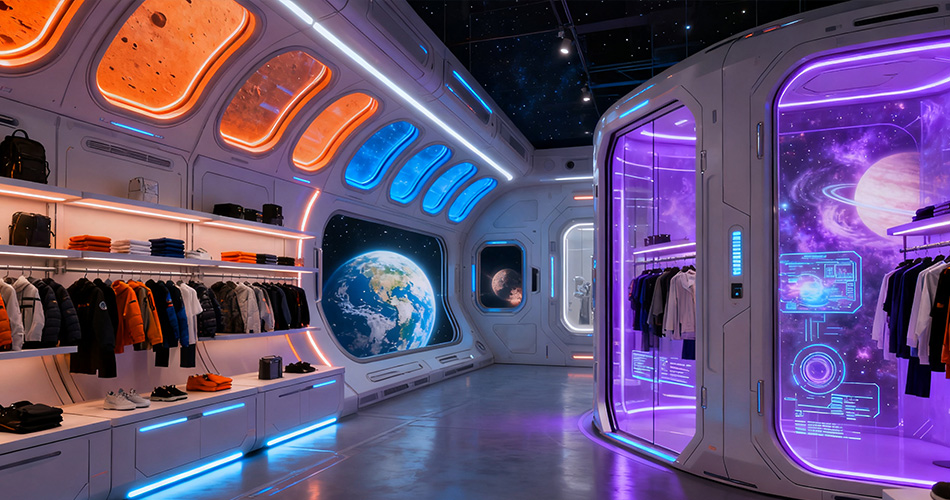
- Map zones to needs first (e.g., “display vs. storage”) for organized dashboards.
- Start with templates (e.g., “Black Friday”) then customize hours/promotions.
- Test rules rigorously in simulation (e.g., motion on/off scenarios).
- Train non-technical staff with 30-minute sessions and screenshot guides.
The lighting schedule visual programming interface turns complex scheduling into an accessible, strategic task. By replacing text-based tools with intuitive visuals, it empowers teams to create efficient, safe schedules aligned with business goals. For commercial smart lighting investments, this interface is a cornerstone—delivering agility, cost savings, and user satisfaction in a rapidly evolving industry.


)
)
)
)

+86 15899791249

+86 755 2955 3313


Address: Huafeng No.1 Science and Technology Park, Sanwei, Bao'an District, Shenzhen, Guangdong, China.
