

Time:2025-11-03
For commercial outdoor lighting systems—from parking lots and stadiums to warehouse yards and campus perimeters—weatherproof photocell sensor installation is the linchpin of automated, low-maintenance operation. A weatherproof photocell sensor detects ambient light to trigger lights on at dusk and off at dawn, eliminating manual control and reducing energy waste. However, outdoor environments bring unique challenges—rain, snow, dust, and temperature swings—that can derail poorly executed installations. This article breaks down the critical steps, best practices, and key considerations for weatherproof photocell sensor installation, ensuring your commercial smart lighting solution delivers consistent performance year-round.
Before picking up tools, a thorough site assessment is essential to tailor weatherproof photocell sensor installation to your environment. Start by mapping the lighting zone: identify areas prone to standing water (e.g., low-lying parking lots), heavy wind exposure (e.g., building rooftops), or debris accumulation (e.g., near HVAC units). These factors will dictate mounting height and sealing measures.
Next, confirm compatibility with your commercial smart lighting ecosystem. Ensure the sensor works seamlessly with your existing controllers, gateways, or remote management platforms—this avoids post-installation connectivity issues. Also, check local electrical codes: most regions require outdoor wiring to use UV-resistant conduit and GFCI-protected circuits, which are non-negotiable for safety and compliance.
Gather weather-specific tools: corrosion-resistant mounting hardware (stainless steel screws, zinc-plated brackets), silicone caulk (rated for outdoor use), weatherproof wire nuts, and a voltage tester. Skipping these specialized tools risks premature sensor failure.
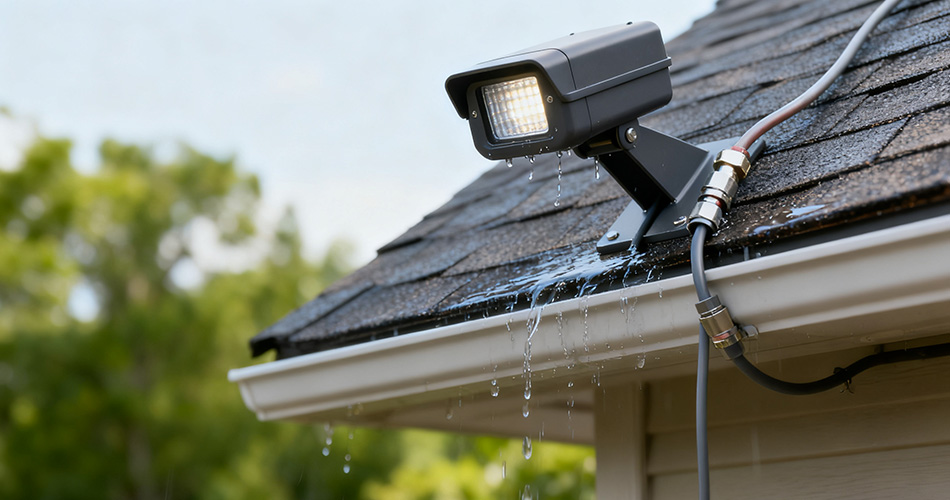
Follow this structured process to ensure a weather-tight, functional installation:
The sensor’s accuracy depends on unobstructed light detection. Mount it 8–12 feet above ground to avoid tampering and capture broad ambient light. Avoid direct sunlight (which causes false triggers) or shade from buildings/trees. For wall-mounted sensors, angle them 15–20 degrees downward to prevent water pooling on the lens. For pole-mounted setups, use a bracket that positions the sensor away from the light fixture itself—heat from the fixture can skew readings.
Turn off power at the main breaker and verify with a voltage tester. Strip the sensor’s wires (typically black for hot, white for neutral, green for ground) and connect them to the junction box wires. Use outdoor-rated wire nuts and wrap each connection with 3–4 layers of weatherproof electrical tape, stretching the tape to create a tight seal. If the junction box is exposed, install a rubber-gasketed cover to block rain and dust.
Even the most durable sensor fails if moisture seeps in. After mounting the sensor with hardware, apply a continuous bead of silicone caulk around the base where it meets the mounting surface. Pay special attention to screw holes—caulk over them to prevent water intrusion. For pole-mounted sensors, wrap the bracket-sensor junction with UV-resistant tape to shield against wind-driven rain.
Restore power and test functionality: cover the sensor with a dark cloth to simulate dusk (lights should turn on) and remove it to simulate dawn (lights should turn off). If the sensor has adjustable sensitivity, calibrate it to avoid triggering lights during cloudy afternoons. For commercial spaces like parking garages, set a “delay” function (if available) to keep lights on for 5–10 minutes after dark to avoid flickering from passing clouds.
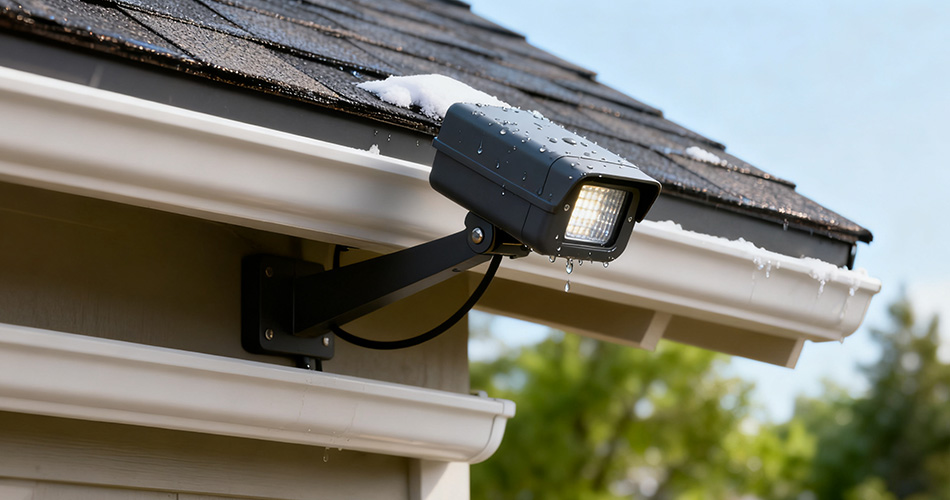
Even small mistakes can compromise performance. Steer clear of these errors:
- Using Indoor Components: Standard wire nuts or junction boxes degrade quickly outdoors—always use outdoor-rated parts.
- Ignoring Drainage: Mounting sensors in low spots where water collects leads to lens fogging and internal damage.
- Skipping Calibration: Overly sensitive sensors waste energy by turning on too early; under-sensitive ones leave spaces unlit at dusk.
A well-installed weatherproof photocell sensor becomes a powerful part of your smart lighting setup. Pair it with smart controllers to set custom rules—for example, overriding the sensor during special events or dimming lights after midnight. Use gateways to monitor sensor performance remotely: track when lights activate/deactivate, and receive alerts if a sensor malfunctions. This integration turns standalone sensors into part of a data-driven lighting ecosystem that optimizes energy use and reduces maintenance.
Weatherproof photocell sensor installation is not just a technical task—it’s an investment in the reliability and efficiency of your commercial outdoor lighting. By prioritizing site assessment, weatherproof sealing, and proper calibration, you ensure the sensor withstands harsh conditions and delivers consistent, automated control. When integrated with a full commercial smart lighting solution—including controllers, gateways, and remote management—the installed sensor becomes a cornerstone of a system that saves energy, reduces labor costs, and enhances safety.
For businesses looking to streamline installation or upgrade their outdoor lighting, partnering with a provider of end-to-end smart lighting solutions ensures weatherproof photocell sensor installation aligns with your unique needs, from stadiums to retail parking lots. The result is a lighting system that works as hard as your business does—rain or shine.


)
)
)
)

+86 15899791249

+86 755 2955 3313


Address: Huafeng No.1 Science and Technology Park, Sanwei, Bao'an District, Shenzhen, Guangdong, China.
