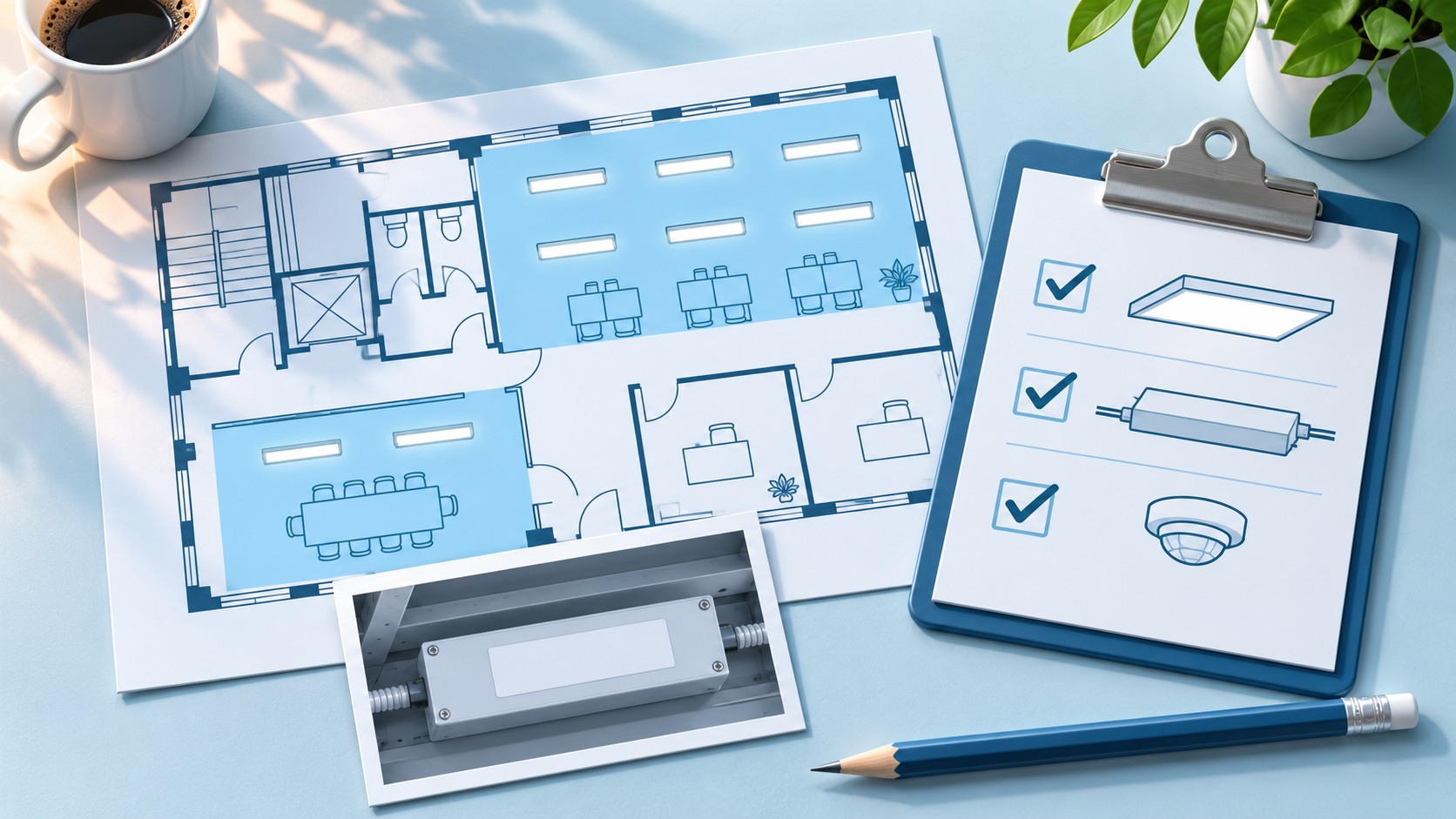
 You can add lighting controls to existing LED fixtures when the luminaires are in good condition, provide suitable light for the space, and have drivers or loads compatible with the proposed controls. With compatible 0–10V drivers, a wireless controller can add dimming and, with a compatible sensor, occupancy response or daylight harvesting while keeping the fixtures in place.
An office may already have LED troffers that run at full output from the first arrival to the last departure. If the fixtures still light the workspaces well, the upgrade may be a controls-only lighting retrofit. The electrical contractor keeps the serviceable fixtures and adds the controls needed to change when and how much light they deliver.
Which existing LED fixtures can you keep?
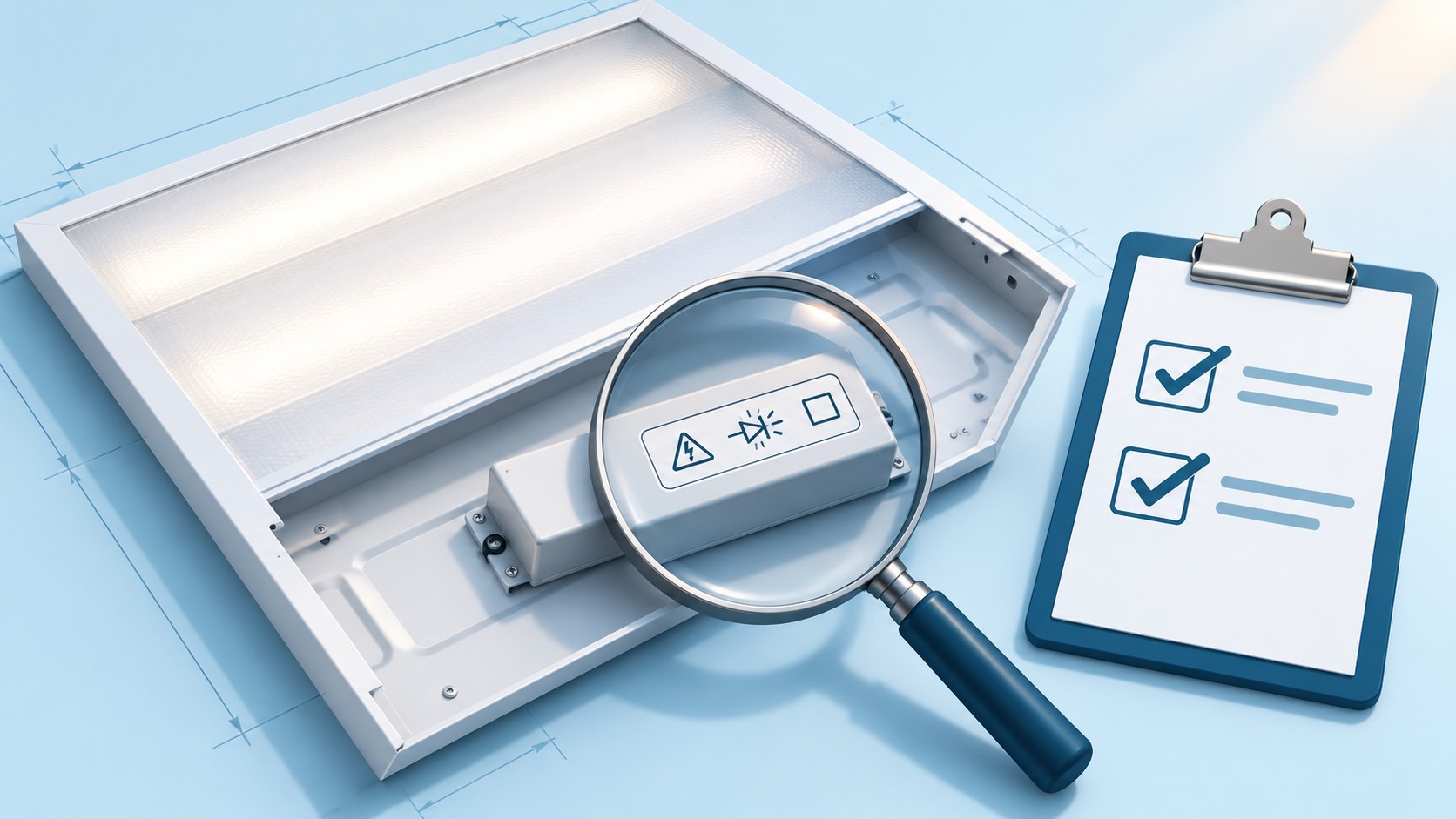
Check the driver label or manufacturer’s datasheet for each fixture family. Troffers that look identical from the floor may have different drivers after years of repairs. Group fixtures by driver model and existing control arrangement before using one room to price a whole floor.
| What the contractor finds | What the project can consider | What to confirm before pricing |
|---|---|---|
| Serviceable fixtures with documented 0–10V dimmable drivers | Keep the fixtures and evaluate a compatible wireless 0–10V controller. | Stable dimming at the required low end, how the fixtures turn fully off, driver count per controller, and relay suitability for the connected LED load and inrush. |
| Serviceable fixtures with DALI or DALI-2 drivers | Keep the fixtures where the proposed DALI control architecture supports the existing gear. | Driver model, bus and addressing arrangements, and the commands or data the project needs. |
| Non-dimmable drivers in good fixtures | Evaluate rated relay switching where on/off control meets the project requirements. | LED load and inrush ratings, switching behavior, and whether the space requires dimming. |
| Unknown drivers, conflicting labels, or several driver types on one zone | Inspect representative fixtures and test each materially different combination before specifying equipment. | The exact driver interface, existing controls, and whether mixed fixtures dim acceptably together. |
| Damaged housings, recurring driver failures, or inadequate lighting | Assess repair, an approved driver or retrofit kit where appropriate, or fixture replacement. | Condition, light distribution, remaining service life, and applicable listing or approval requirements. |
The U.S. General Services Administration recommends testing samples for flicker before finalizing a dimming specification. DALI also supports individual and group addressing through a digital bus, which calls for a DALI-compatible control path. GSA lighting and controls guidance, p. 51 · DALI Alliance protocol features
What to verify before quoting a 0–10V controls-only retrofit
Test each representative driver at the lowest level the space needs. Check for flicker, abrupt dropout, and visible mismatch between fixtures on the same command. Verify how the fixtures turn fully off when the control sequence calls for it.
Map the wiring and the desired control zones. Fixtures in one existing circuit may need different behavior. Check whether the existing wiring supports the proposed groups, where separate outputs or controllers can be placed, and where short local connections are needed.
Confirm the proposed controller and load together. Record the supply voltage, driver count, relevant switching and inrush ratings, and available mounting space. Identify fixtures or circuits that serve emergency or egress lighting so the electrical designer can review them before the scope is priced.
For an occupied office, test a window row and an interior row before using either one as the basis for the rest of the floor. If the two rows share one dimming output, they will receive the same signal. Giving the window row its own output lets it respond to daylight without dimming the interior row. Once the fixture and controller combinations are confirmed, test the proposed zones in daily operation. LumiEasy wireless lighting control pilot checklist

How LumiEasy controls work with existing 0–10V LED fixtures
For suitable loads, the LumiEasy Power Pack provides a wireless control point with a 0–10V dimming output and integrated relay options. It connects locally to the retained driver, so the project may avoid new control cabling between compatible wireless devices. Specify the exact Power Pack version against the driver, connected load, and desired behavior. LumiEasy Power Pack specifications
For an indoor zone that needs occupancy and daylight inputs, the LumiEasy DC Ceiling Sensor (TL-NE-BPRW-MN-03-02) combines passive infrared motion detection and daylight sensing in a battery-powered Bluetooth Mesh device. That lets the contractor choose a suitable sensing location without running power to that sensor. A compatible controller still handles the load, and its local power and driver connections are part of the installation. Confirm sensor coverage at the actual mounting height and compatibility with the proposed controller and system configuration. LumiEasy DC Ceiling Sensor specifications
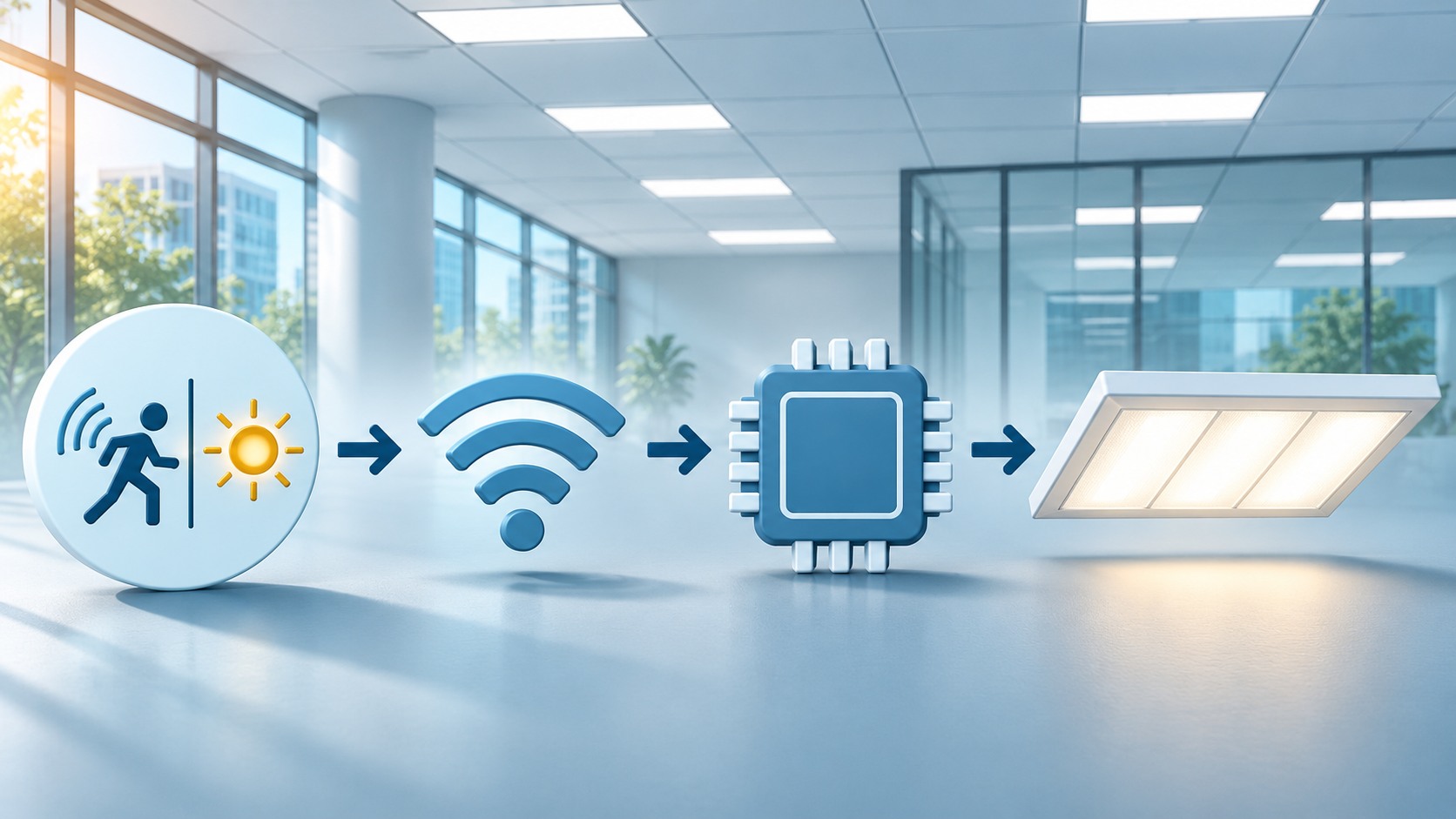
The control path is sensor or wall control → wireless network → compatible controller → existing 0–10V driver. Specify a gateway when the selected LumiEasy configuration needs remote management or centralized energy data collection. Confirm what the gateway and software provide for the equipment on the project. LumiEasy Networked Lighting Controls
Can lighting controls still save energy after an LED upgrade?
Yes. If existing LEDs run when rooms are empty or at higher output than the space needs, occupancy control, scheduling, and dimming can reduce lighting energy use. Build the estimate from the existing LED system’s lighting kWh and operating patterns, then compare it with the same loads under the proposed controls.
In a five-site commercial field study, Pacific Northwest National Laboratory tracked the effects of the LED upgrade and each control strategy. The added occupancy controls produced savings equal to 24% of pre-retrofit lighting energy at the medical office, while the two office sites that already had basic occupancy controls saw small increases in energy use at that stage. For a building that already has LEDs, use current lighting energy and control behavior as the baseline for the business case. PNNL commercial field evaluation, Table E.1
Frequently asked questions
Can a wireless controller dim a non-dimmable LED fixture?
Continuous dimming requires compatible dimmable control gear. A suitably rated relay can provide on/off control when the fixture and control requirements permit it. For continuous dimming, evaluate an approved driver change, a suitable retrofit kit, or a replacement fixture.
Do I need a controller for every fixture?
Several compatible fixtures can share a controller output if they need the same behavior and the load, driver count, and wiring are within the selected controller’s limits. If fixtures need to respond independently, design for separately controllable outputs or compatible addressable drivers.
Can a controls-only lighting retrofit qualify for a utility rebate?
Some U.S. utilities offer incentives for lighting controls. For example, Pacific Power’s Washington program lists advanced networked lighting controls as an incentive category and specifies equipment and control-strategy requirements. Ask your utility whether it accepts the existing LED baseline, which system configurations qualify, and when pre-approval is needed. Pacific Power Washington lighting incentive catalog
Request a LumiEasy compatibility review
Send us a driver label photo for each fixture type, the fixture count by zone, the supply voltage, and the control behavior you need. If you have a floor plan, mark the daylight zones and any emergency-lighting circuits. This gives us a starting point to identify which fixtures may be retained and which LumiEasy Power Pack, sensors, and gateway options to evaluate before you order.